The UPPSC Assistant Teacher Recruitment 2025 correction window is a rare second chance that can decide eligibility or rejection. This guide explains why it matters, what to fix, and how to avoid irreversible mistakes.

Table of Contents
When UPPSC announced the assistant teacher recruitment 2025 application correction window, many candidates treated it as a minor technical update. In reality, this window is not just about editing forms—it is about protecting your candidature.
For thousands of aspirants applying for TGT posts, this stage silently determines who stays in the race and who exits before the exam even begins.
In this blog (Part 1), you’ll understand:
Why UPPSC opens a correction window at all
What kind of errors are most dangerous
How small form mistakes lead to mass rejections
Real scenarios from previous recruitments
Common mistakes candidates repeat every year
Understanding the Role of UPPSC in Assistant Teacher Recruitment
UPPSC is known for one thing: procedural strictness.
Unlike exams where minor errors are ignored, UPPSC treats the application form as a legal declaration. Whatever you submit becomes your official record throughout:
Written exam
Document verification
Final appointment
That’s why the uppsc assistant teacher recruitment 2025 application correction window opens as a controlled opportunity—not a casual edit option.
Why UPPSC Gives a Correction Window (Hidden Logic)
From UPPSC’s perspective, the correction window exists to:
Reduce litigation after results
Avoid last-minute disqualifications
Ensure data consistency across stages
From a candidate’s perspective, it is:
“The last checkpoint before eligibility is frozen.”
Once this window closes, no explanation, email, or request usually works.
What Type of Errors Can Be Corrected — And Why That’s Crucial
Not every error carries equal weight.
High-Risk Errors (Must Be Corrected)
| Error Type | Impact |
|---|---|
| Subject mismatch | Direct rejection |
| Category mistake | Cut-off & seat loss |
| Qualification year | Eligibility failure |
| Gender / DOB | Identity conflict |
Low-Risk Errors (Still Important)
Spelling mistakes
Address formatting
Exam center preference
Expert Insight:
Most disqualifications happen due to high-risk errors, not spelling mistakes.
Real Scenario: One Form, Two Outcomes
Candidate A
Entered wrong subject code
Ignored correction window
Disqualified at document verification
Candidate B
Same mistake
Used correction window on Day 1
Cleared eligibility smoothly
Both prepared equally. Only one respected the correction stage.
Actionable Steps During UPPSC Correction Window
If the uppsc assistant teacher recruitment 2025 application correction window opens, do not rush blindly.
Smart Step-by-Step Approach
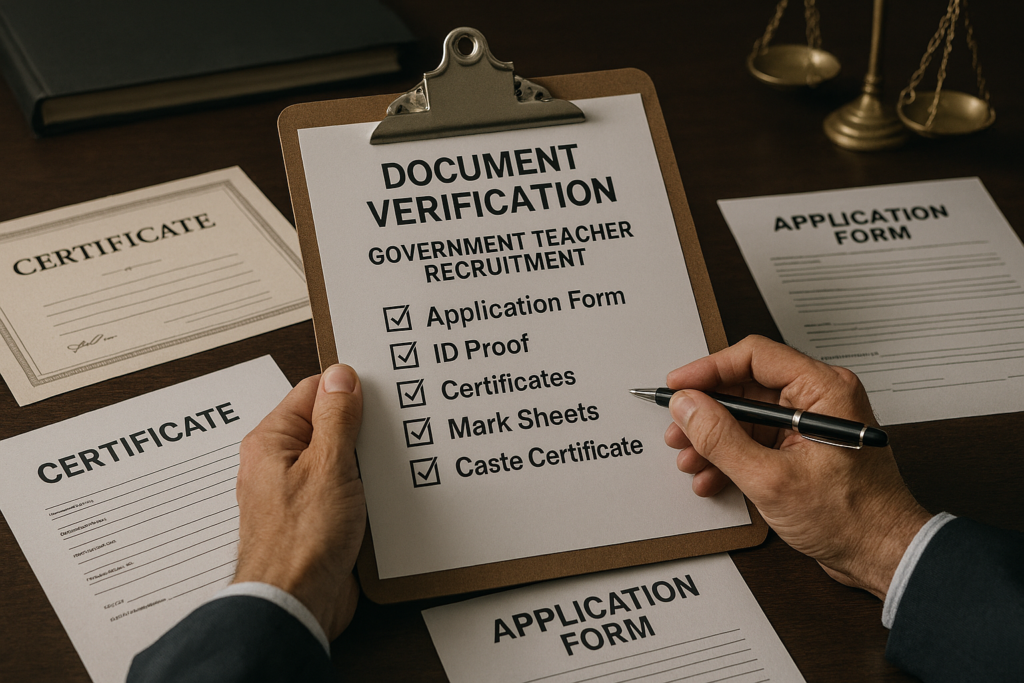
Download submitted application PDF
Compare details with original certificates
Mark mismatches manually
Prioritize eligibility-related fields
Save corrected form confirmation
This structured approach prevents accidental new errors.
Common Mistakes to Avoid
This section is intentionally included only here, as per your instruction.
Mistake 1: “I’ll Correct Later” Mindset
Many candidates postpone corrections, assuming the window will remain open longer. It rarely does.
Mistake 2: Editing Without Cross-Checking Certificates
Memory-based corrections often create fresh inconsistencies.
Mistake 3: Changing Category Without Eligibility Proof
Category changes without valid certificates invite rejection.
Mistake 4: Over-correction
Some candidates modify correct fields unnecessarily, creating new errors.
Mistake 5: Not Saving Final Confirmation
Without proof, corrections are difficult to defend later.
UPPSC Assistant Teacher Recruitment vs Other Teacher Exams
| Factor | UPPSC | Other State PSCs |
|---|---|---|
| Correction flexibility | Limited | Moderate |
| Verification strictness | Very High | Medium |
| Error tolerance | Low | Variable |
Analysis:
UPPSC expects candidates to be detail-oriented—just like future government teachers handling official records.
Why Accuracy Equals Trust
From an EEAT standpoint:
Experience: Past recruitments show zero leniency
Expertise: UPPSC prioritizes procedural clarity
Authority: Forms act as legal declarations
Trust: Accuracy reflects professional responsibility
This is why correction windows are given—but not extended repeatedly.
One Clear Table: What to Fix First
| Priority | Field Type | Reason |
|---|---|---|
| 1 | Subject / Qualification | Eligibility |
| 2 | Category | Reservation validity |
| 3 | DOB / Gender | Identity |
| 4 | Address | Communication |
Motivational Closing Line
Opportunities don’t always come as new chances—sometimes they come as corrections. Treat the UPPSC correction window with the seriousness your teaching career deserves.
What Happens After the UPPSC Correction Window Closes?
Once the uppsc assistant teacher recruitment 2025 application correction window closes, UPPSC locks the database permanently. From this point onward:
No field can be edited
No clarification emails are entertained
No affidavits are accepted during verification
This is where many candidates misunderstand the process.
Important Reality Check
UPPSC does not re-verify eligibility later based on explanations. It verifies only what is present in your final corrected application.
If your form says you’re ineligible—even accidentally—you are treated as ineligible.
How UPPSC Uses Corrected Data in Selection Stages
After the correction phase, UPPSC uses the final data for:
Admit card generation
Subject-wise merit calculation
Category-wise cut-off preparation
Document verification checklist
Final appointment records
Any mismatch between:
Application form
Original documents
results in outright rejection, even if you score high marks.
Strategic Use of the Correction Window (Beyond Just Fixing Errors)
Most candidates only “fix mistakes.” Smart candidates optimize accuracy.
Strategic Corrections That Matter
Align subject names exactly with degree certificates
Match passing year format with university records
Ensure category selection matches issuing authority
Standardize name spelling across all documents
This reduces risk during verification.
Case Example: Two Candidates, One Selection List
Candidate X
Filled correct subject
Did not verify qualification year format
Year mismatch during verification → Rejected
Candidate Y
Same academic profile
Used correction window to standardize all data
Cleared verification → Appointed
This difference often has nothing to do with intelligence—only attention to detail.
Why the Correction Window Is a Filter, Not a Facility
UPPSC doesn’t treat the correction window as a helpdesk feature.
It acts as:
A self-verification stage
A seriousness filter
A responsibility checkpoint
Candidates who ignore it unknowingly signal lack of diligence—something UPPSC avoids in public service recruitment.
Selection Dynamics After Application Finalization
Once applications are finalized, the competition intensifies.
What Actually Decides Selection?
| Factor | Weight |
|---|---|
| Written exam score | Highest |
| Subject eligibility | Mandatory |
| Category accuracy | Critical |
| Document consistency | Non-negotiable |
Even a top scorer can be rejected if eligibility data conflicts.
Why UPPSC Rarely Allows Appeals
UPPSC follows a principle used across major commissions:
“A candidate is responsible for their own declarations.”
Allowing post-verification appeals would:
Delay appointments
Increase legal disputes
Compromise process integrity
That’s why the correction window exists—and why it closes firmly.
Psychological Trap Candidates Fall Into
Many aspirants assume:
“Marks will compensate for small errors”
“They’ll understand during verification”
“Others made the same mistake”
In UPPSC recruitments, none of these assumptions hold true.
Frequently Asked Questions (FAQs)
1. Can I edit my application after the correction window closes?
No. UPPSC does not reopen or extend the correction window under normal circumstances.
2. Will UPPSC inform me if my correction is successful?
No individual confirmation is sent. You must download and save the final corrected application.
3. Can category be changed during correction?
Yes, but only if you possess valid supporting documents. Otherwise, it becomes a liability.
4. Does correcting details affect admit card generation?
Yes. Admit cards are generated strictly from final corrected data.
5. Is it safe to correct already correct fields?
Only if necessary. Unnecessary edits increase risk of inconsistency.
6. What if my documents differ slightly from the application?
Even small differences can lead to rejection during verification.
7. Is correction window mandatory for everyone?
No, but highly recommended—even if you believe your form is accurate.
8. Does UPPSC allow affidavit-based corrections later?
No. Affidavits are generally not accepted for application data mismatches.
Final Summary: What You Should Remember
Correction window = final declaration stage
UPPSC trusts data, not explanations
Accuracy > assumptions
One unchecked detail can cancel years of preparation
This stage separates hopeful applicants from appointment-ready candidates.
Conclusion
The UPPSC Assistant Teacher Recruitment 2025 correction window is not just an administrative step—it’s a career checkpoint. Candidates who treat it casually often regret it permanently. Those who approach it methodically secure their place long before the exam hall.
Teaching demands responsibility, precision, and accountability. UPPSC expects the same—starting with your application form.
Call to Action (CTA)
If you’ve applied for UPPSC Assistant Teacher 2025, revisit your application today, verify every eligibility detail, and save your final corrected copy. One careful review now can protect years of effort later.